Call Chains
Endpoint URLs assembled across multiple function calls — from 3-level return chains to 5-level mixed patterns using callbacks, global variables, and cross-script boundaries. The complete URL never appears as a string literal.
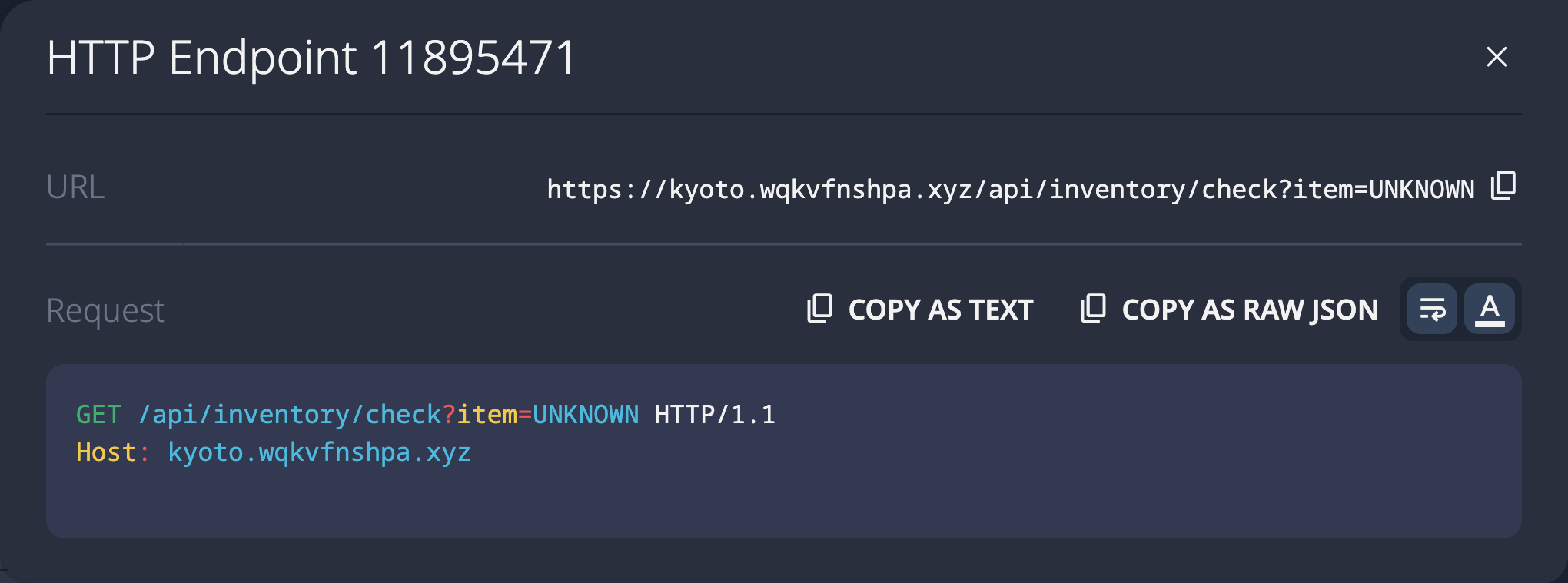
3-level return-value chain
Three functions, each returning a URL segment. getApiBase() → getInventoryPath() → getCheckEndpoint(). The analyzer must follow return values through 3 levels.
const getApiBase = () => '/api';
const getInventoryPath = () => getApiBase() + '/inventory';
const getCheckEndpoint = () => getInventoryPath() + '/check';

const checkInventory = (itemId) => {
  fetch(getCheckEndpoint() + '?item=' + itemId);
};
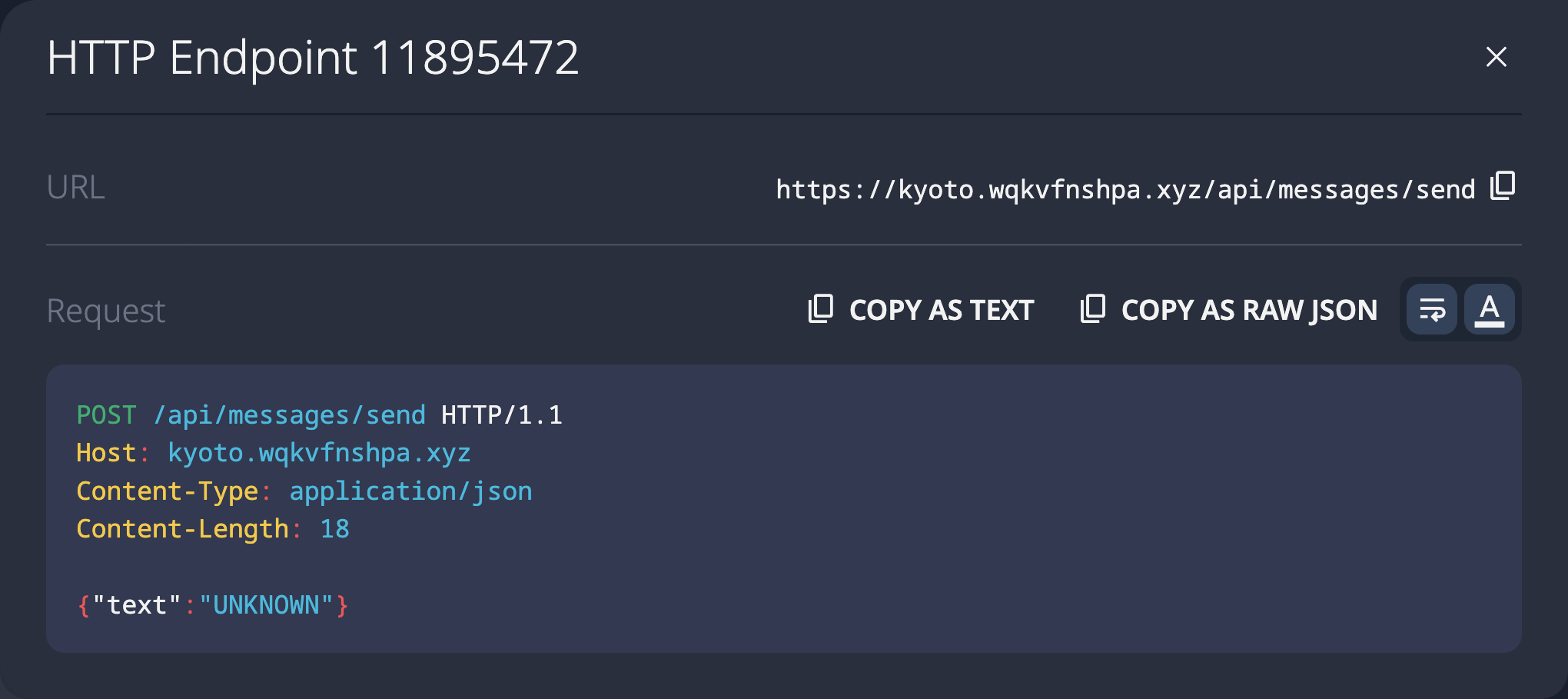
3-level callback chain
URL parts passed through callback function parameters across 3 levels. A different data-flow pattern — callbacks instead of return values.
const withApiPrefix = (callback) => {
  callback('/api');
};

const withResource = (callback) => {
  withApiPrefix((prefix) => {
    callback(prefix + '/messages');
  });
};

const sendMessage = (text) => {
  withResource((resource) => {
    fetch(resource + '/send', {
      method: 'POST',
      headers: { 'Content-Type': 'application/json' },
      body: JSON.stringify({ text })
    });
  });
};
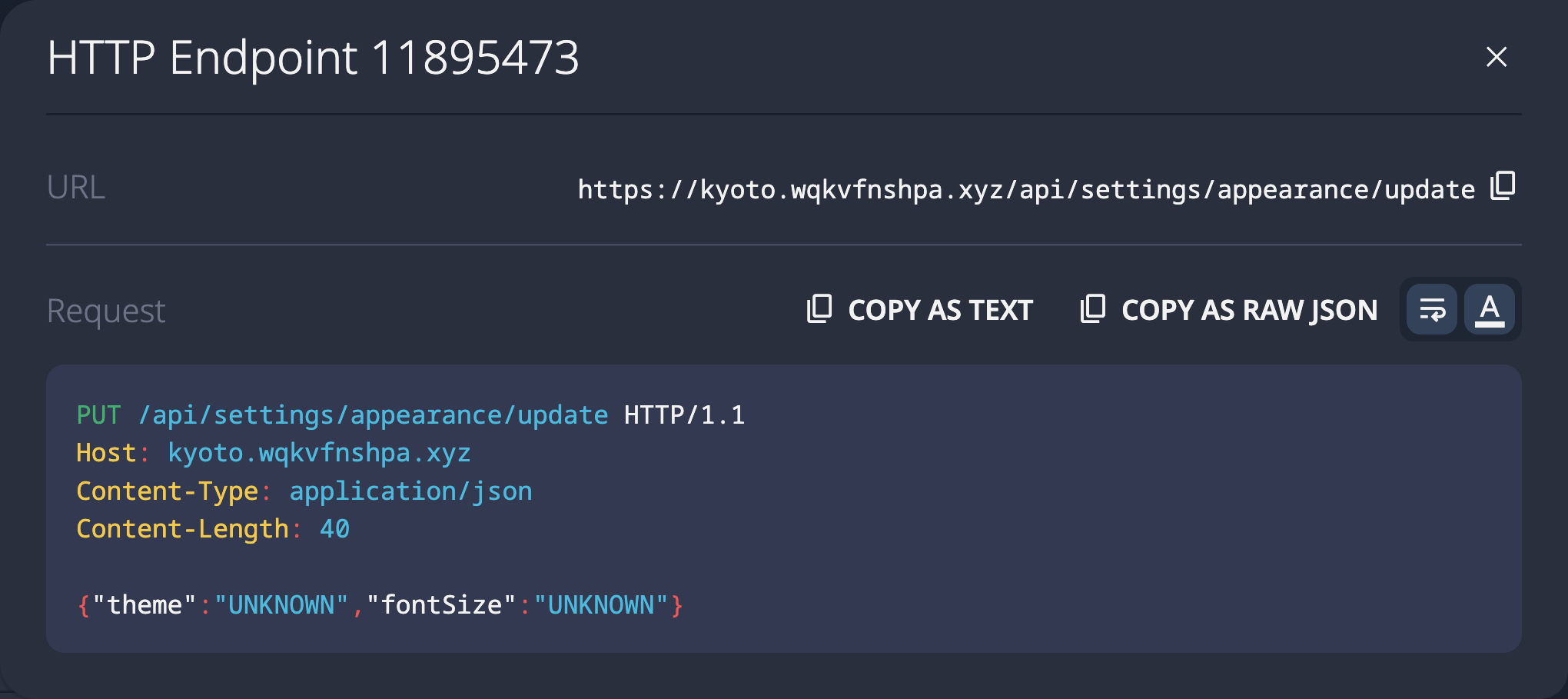
4-level sequential chain
Four functions, each appending one path segment. One level deeper than the typical 3-level call chain.
const apiPrefix = () => '/api';
const settingsBase = () => apiPrefix() + '/settings';
const appearancePath = () => settingsBase() + '/appearance';
const updateAppearanceUrl = () => appearancePath() + '/update';

const saveAppearance = (theme, fontSize) => {
  fetch(updateAppearanceUrl(), {
    method: 'PUT',
    headers: { 'Content-Type': 'application/json' },
    body: JSON.stringify({ theme, fontSize })
  });
};
Shared global written by multiple functions
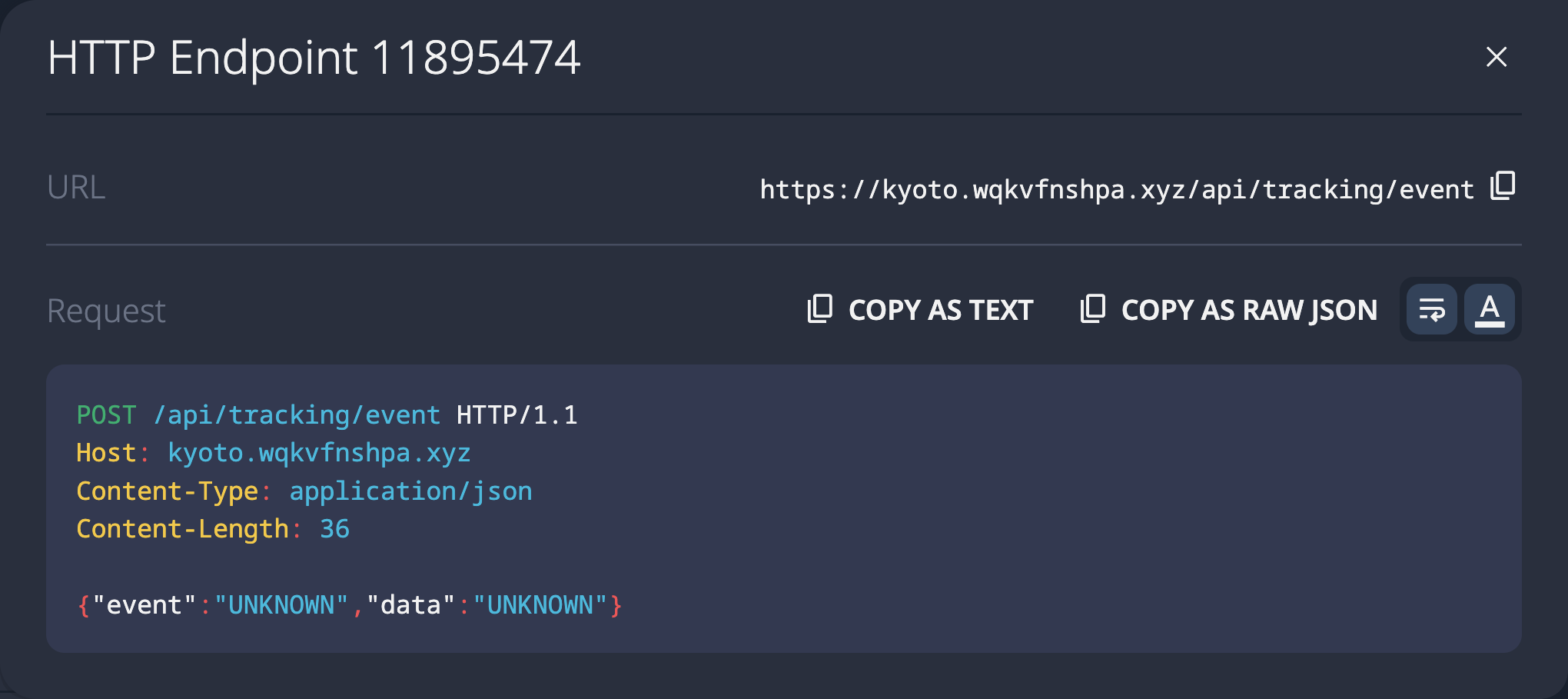
Two functions write to the same global variable trackingUrl in sequence. The analyzer must track all writes to determine the final value before fetch().
var trackingUrl = '';

function setTrackingBase() {
  trackingUrl = '/api/tracking';
}

function appendTrackingAction() {
  trackingUrl = trackingUrl + '/event';
}

function configureTracking() {
  setTrackingBase();
  appendTrackingAction();
}

function sendTrackingEvent(eventData) {
  configureTracking();
  fetch(trackingUrl, {
    method: 'POST',
    headers: { 'Content-Type': 'application/json' },
    body: JSON.stringify(eventData)
  });
}
5-level linear chain — deepest return-value pattern
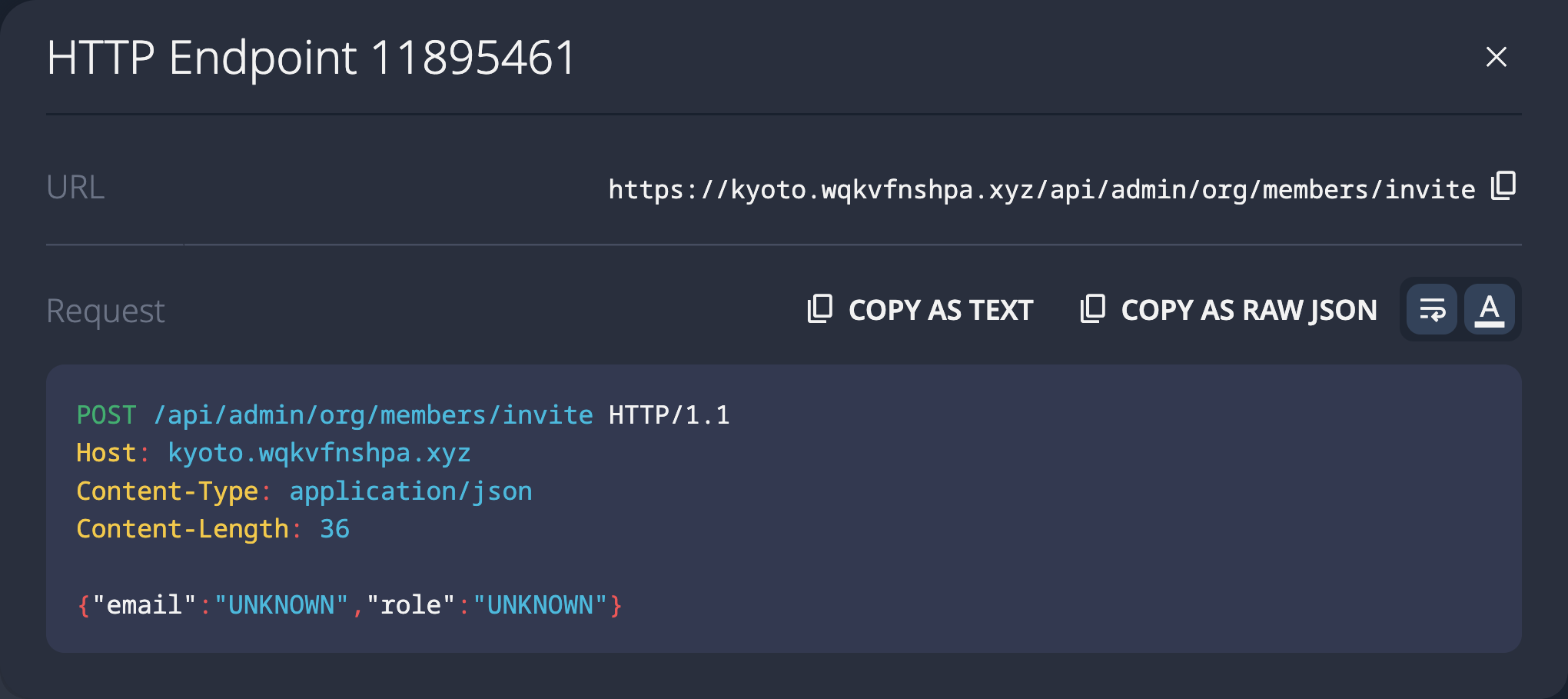
Five functions, each appending one URL segment via return values. The complete path /api/admin/org/members/invite never appears as a string literal anywhere in the code.
const root = () => '/api';
const adminRoot = () => root() + '/admin';
const orgPath = () => adminRoot() + '/org';
const membersPath = () => orgPath() + '/members';
const inviteUrl = () => membersPath() + '/invite';

const inviteMember = (email, role) => {
  fetch(inviteUrl(), {
    method: 'POST',
    headers: { 'Content-Type': 'application/json' },
    body: JSON.stringify({ email, role })
  });
};
5-level mixed chain — callbacks, globals, and concatenation
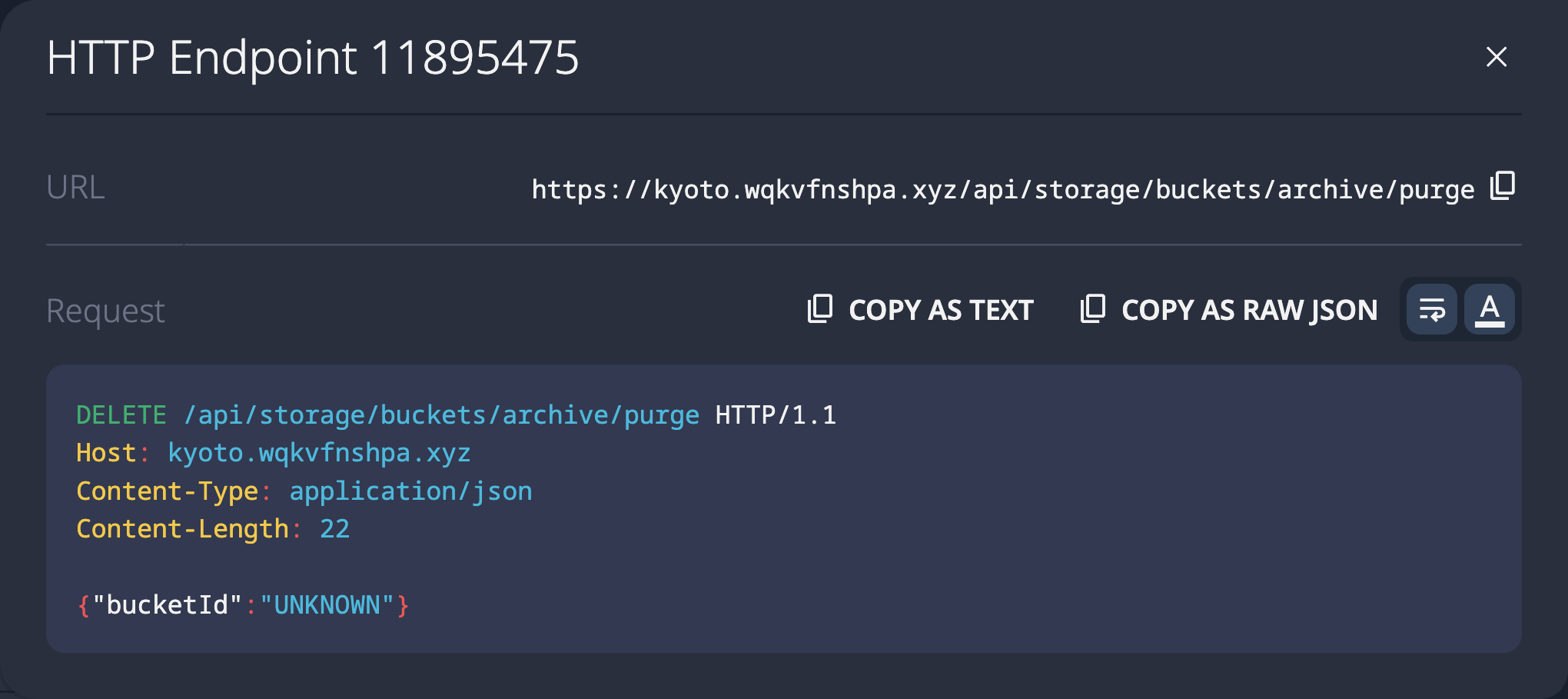
The most complex pattern tested. Five functions using return values, callback parameters, and shared global variable writes to construct the URL. Three different data-flow mechanisms in one chain.
var archivePath = '';

function getStorageRoot() {
  return '/api/storage';
}

function buildBucketPath(callback) {
  var bucketPath = getStorageRoot() + '/buckets';
  callback(bucketPath);
}

function setArchivePath(base) {
  archivePath = base + '/archive';
}

function getPurgeUrl() {
  buildBucketPath(function(bp) {
    setArchivePath(bp);
  });
  return archivePath + '/purge';
}

function purgeArchive(bucketId) {
  fetch(getPurgeUrl(), {
    method: 'DELETE',
    headers: { 'Content-Type': 'application/json' },
    body: JSON.stringify({ bucketId })
  });
}
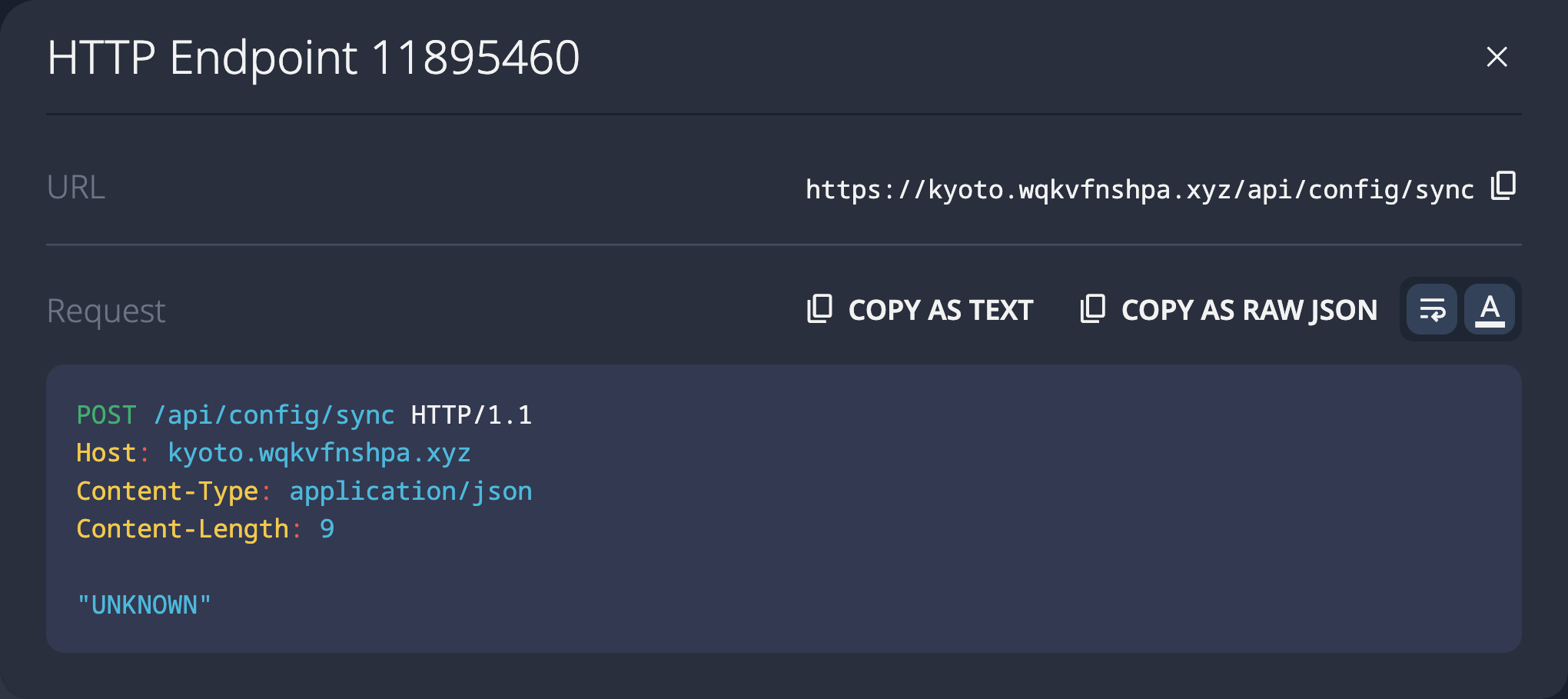
Variable in HTML, used in external JS
API_ROOT is defined in an inline <script> tag on the HTML page. An external JavaScript module reads it via window.API_ROOT and appends a path segment. The analyzer must perform whole-page analysis across script boundaries.
// index.html (inline script)
var API_ROOT = '/api/config';

// configSync.ts (external module)
const getSyncUrl = () => window.API_ROOT + '/sync';

const performConfigSync = (settings) => {
  fetch(getSyncUrl(), {
    method: 'POST',
    headers: { 'Content-Type': 'application/json' },
    body: JSON.stringify(settings)
  });
};